How a spoken reference reaches the screen
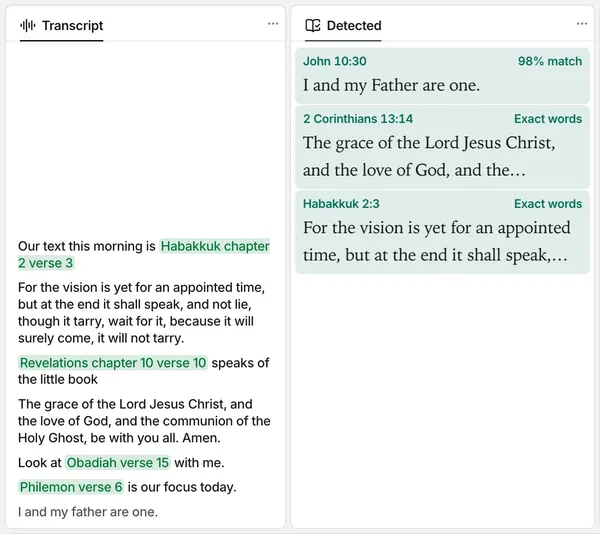
The preacher says "Habakkuk chapter 2 verse 3". Less than one second later, the verse is on the screen. This is what happens in between.
 FlowCast team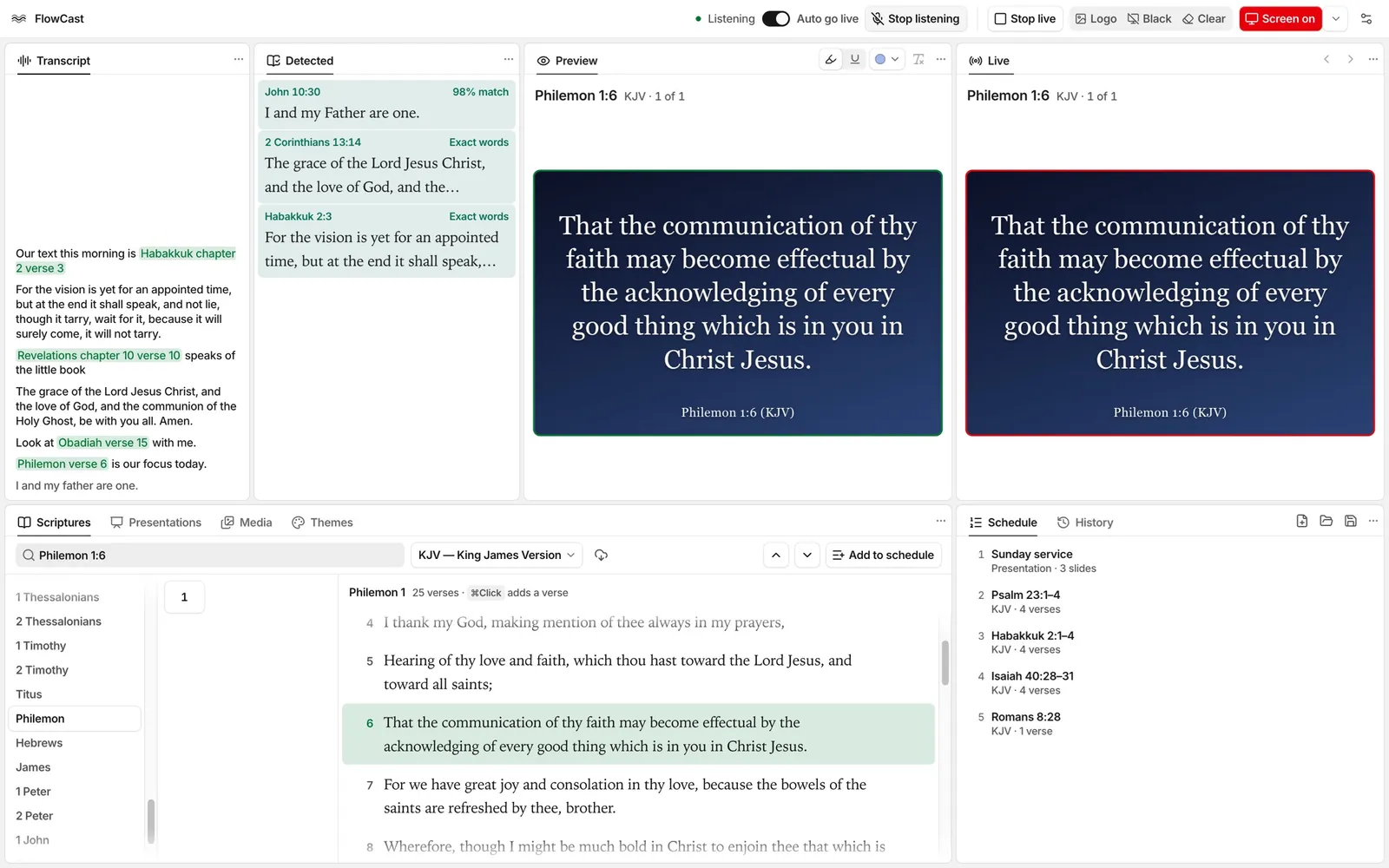
During a sermon, the preacher often names a verse and keeps talking. Someone at the media desk must find the verse, check it, and send it live. FlowCast can do that part for you.
Click Listen in the top bar. FlowCast listens to the preacher through the microphone. When the preacher says a reference, such as “Habakkuk chapter 2 verse 3”, the verse goes live less than one second later.
The speech model runs on the computer
FlowCast turns speech into text with Parakeet Unified 0.6B, a speech model from NVIDIA. On a Mac with Apple silicon, the model runs on the Neural Engine. On Windows, it runs on the CPU.
The first time you click Listen, FlowCast downloads the model. The download is approximately 600 MB on a Mac and 670 MB on Windows. After that, FlowCast loads the model when it starts. When you click Listen, it listens immediately.
From words to a reference
The Transcript panel shows the words that FlowCast hears and marks each reference in them. Speech models often write a book name as it sounds, such as “Havakuk” for Habakkuk. They also write “Habakkuk two three” as “Habakkuk 2-3”. The reference finder in FlowCast reads these forms too.
We tested the reference finder with 70 spoken references. Six computer voices read each one, in American, British, Australian, Irish, Indian, and South African English. Each clip also had a copy with echo and background noise. With the speech model in FlowCast, the finder found the correct verse, and no other verse, in 98.7% of the 840 clips. These were test clips, not live sermons, but they include hard book names such as Nahum, Obadiah, and Zephaniah.
What the preacher can say
- A full reference, such as “John chapter 3 verse 16”.
- A verse alone, such as “verse 18”. FlowCast uses the chapter of the last reference.
- A chapter alone, such as “Psalm 92”. The chapter goes live at its first verse.
- A command: “next verse”, “previous verse”, “go back”, or “switch to NIV”.
If the preacher stops for a moment after “John chapter 3”, FlowCast sends John 3:1 live. When the preacher gives the verse, that verse goes live.
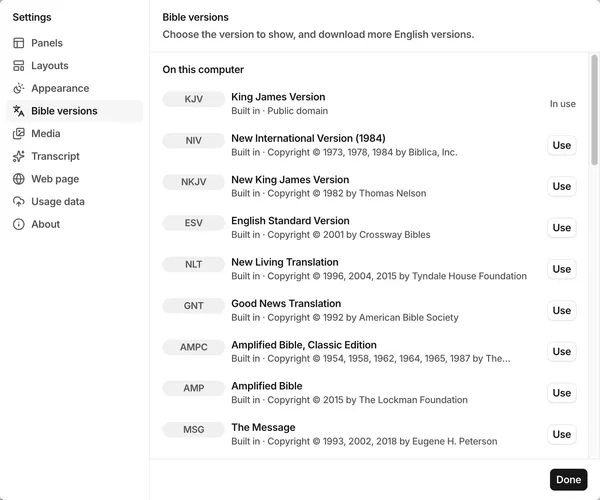
The name of a version also changes the version, so “the King James says” shows the verses in the KJV. When Auto go live is on, a change of version acts on the live verses. When it is off, it acts on the verses in the preview.
“NIV” said as three letters is the command that the speech model hears least well. If “switch to NIV” does not work, say “switch to the New International”.
You stay in control
The Auto go live switch is next to Listen in the top bar. When you turn it off, a spoken reference goes to the preview and stays there. You decide when it goes live.
Listening works on a Mac with Apple silicon and on a Windows PC.
Share this article: