When the preacher quotes without a reference
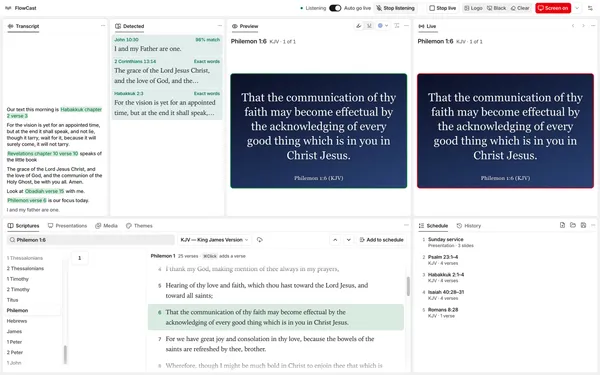
Preachers often quote or retell a verse and give no reference. The Detected panel finds those verses for you, and waits for you to choose.
 FlowCast team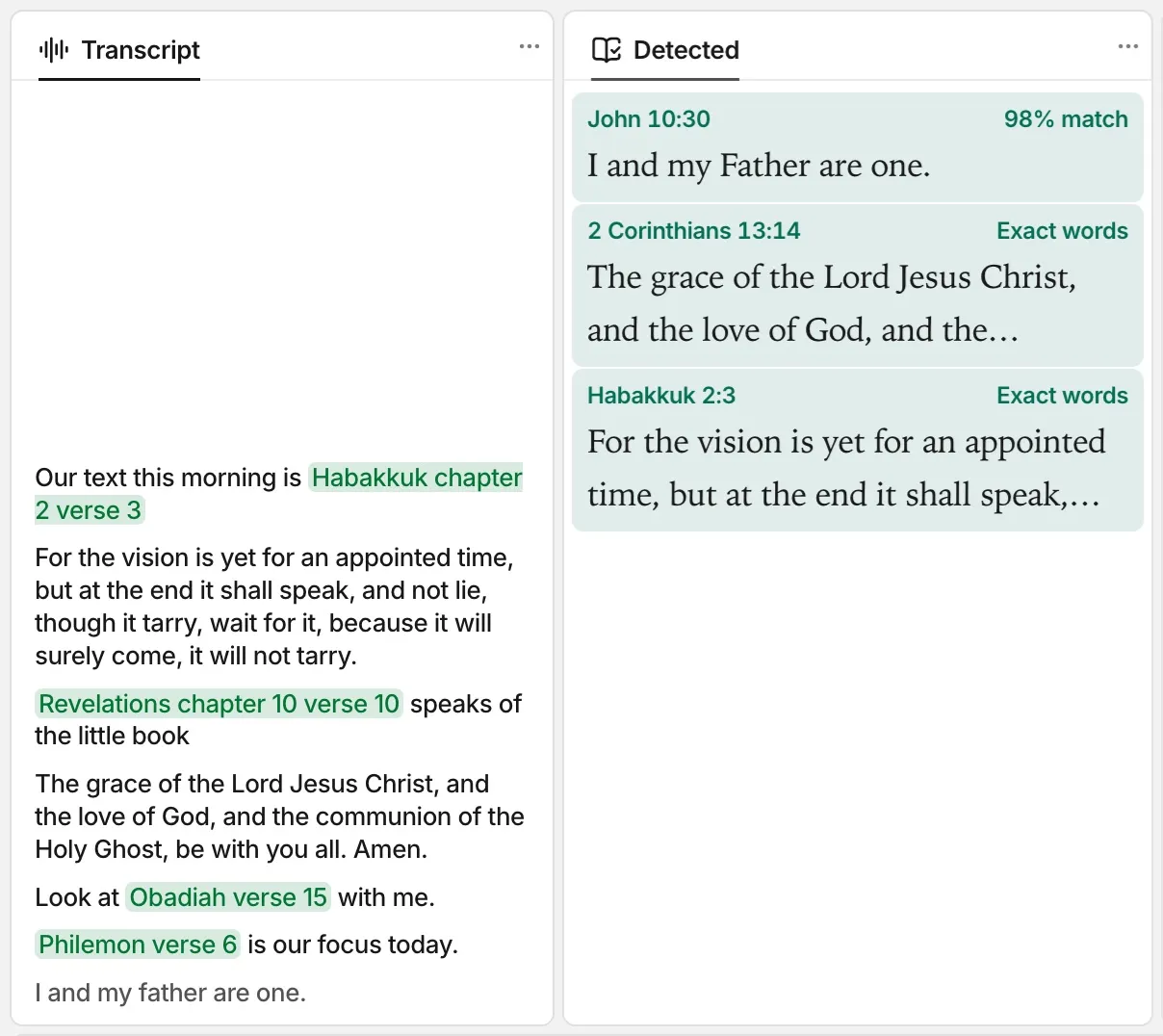
A preacher does not always name the verse. They say “the joy of the Lord is your strength” and keep going. Or they retell a story in their own words. The Detected panel is for these moments.
What the Detected panel shows
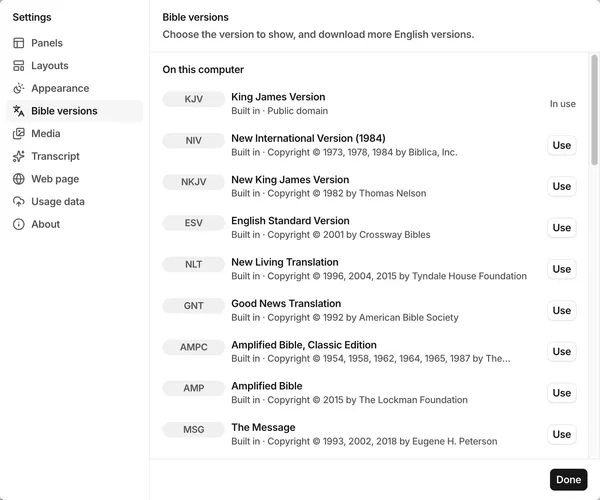
While FlowCast listens, it compares each sentence of the sermon with every verse of the KJV, NKJV, NIV, ESV, NLT, and AMPC. It also compares the sentence with the clauses of long KJV verses. The Detected panel then shows the verses that the preacher quotes or retells, and verses close to what the preacher says.
FlowCast also finds a verse when a run of the words occurs in exactly one KJV verse, such as “gave gifts unto men”.
When no verse is a clear match, the closest verse shows if it is close enough. Its match shows Possible. A sentence that is not about the Bible, such as an announcement, usually shows no verse.
Words that introduce a quote
Some words tell FlowCast that a quote comes next. Some examples are “the Bible says”, “it is written”, “according to the scriptures”, “Jesus said”, and “thus says the Lord”. After such words, FlowCast always shows the verse closest to the words that follow. After “the Bible says”, you want a verse to choose from.
The quote can start in the next sentence, after a short pause. One sentence can introduce more than one quote, and FlowCast looks for each one. While the preacher speaks, FlowCast looks again two times each second. A better verse then replaces a Possible verse for the same words.
Detected verses wait for you
A detected verse does not go live on its own. You choose.
- Click a passage in the Detected panel to show all its verses on one slide in the preview.
- Double-click it to send it live.
- To show one verse on each slide, click Split verses in the preview. Then send it live with Go live or Enter. A double-click selects the passage again and puts the verses back on one slide.
Later speech and prayer do not remove earlier matches. The list keeps up to 500 verses until you close FlowCast. You can go back to a verse from the start of the sermon.
On a slower computer
The search of the Detected panel uses CPU and memory while FlowCast listens. If FlowCast becomes slow, turn it off:
- Click the Settings button in the top bar.
- Click Transcript.
- Turn off Detect passages.
FlowCast then hides the Detected panel and releases the memory of the search models. Spoken references still go live, because they do not wait for these models.
Share this article:
Related posts
September 30, 2026
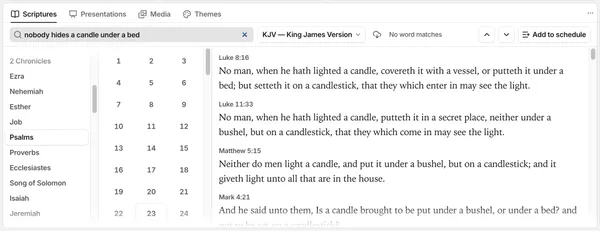
Find a verse from an idea
You remember what a verse says, but not where it is. Type the idea in the Scriptures panel, and FlowCast finds the verse without an internet connection.